
Now its time to use a vbs script to ensure that all services are stopped and started in the correct way – so if any services are dependent on other they will be restated as well.
First Create a new task from your Console:

Let it be an Agent Tasks and Remember the Management Pack:
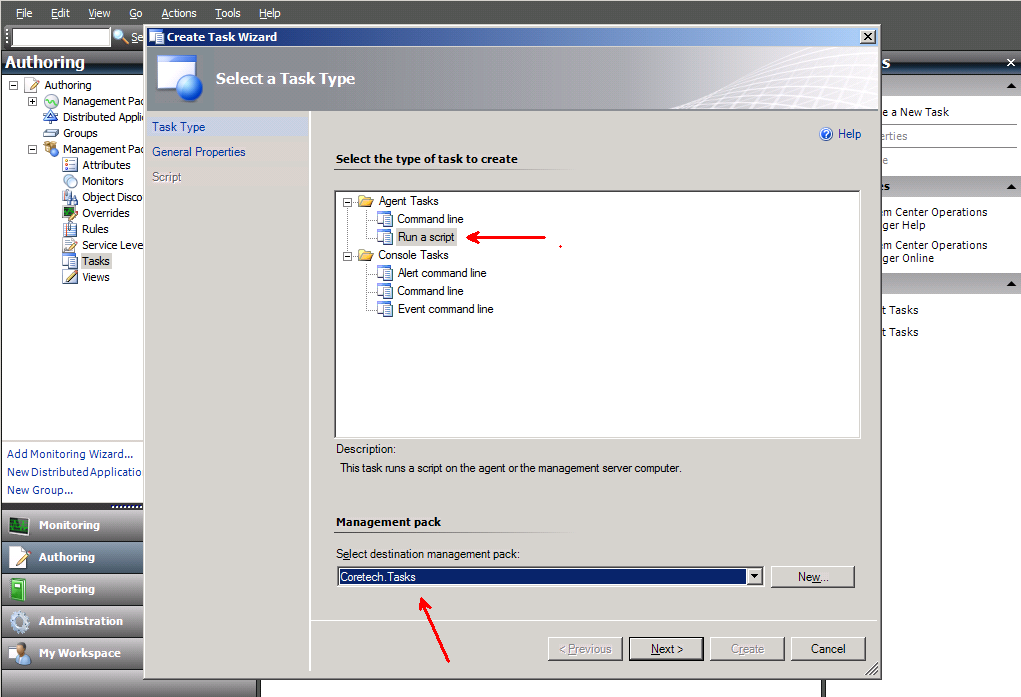
Give it a Name and a Target like this:
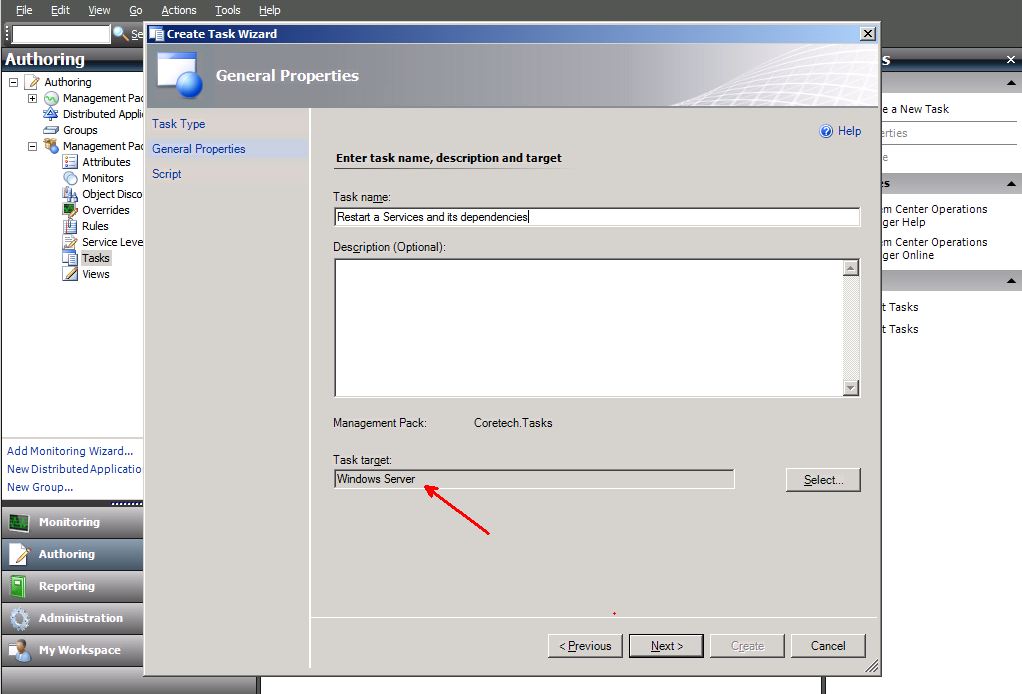

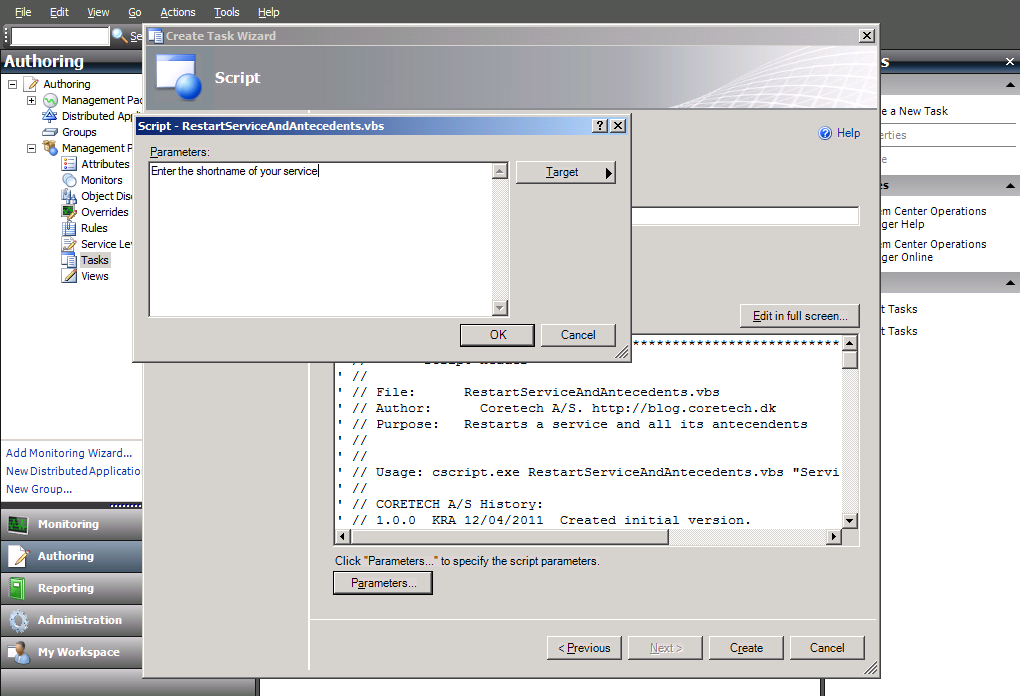
Add a Parameter – either your Service shortname or a text like this:
Press [OK] and [Create].
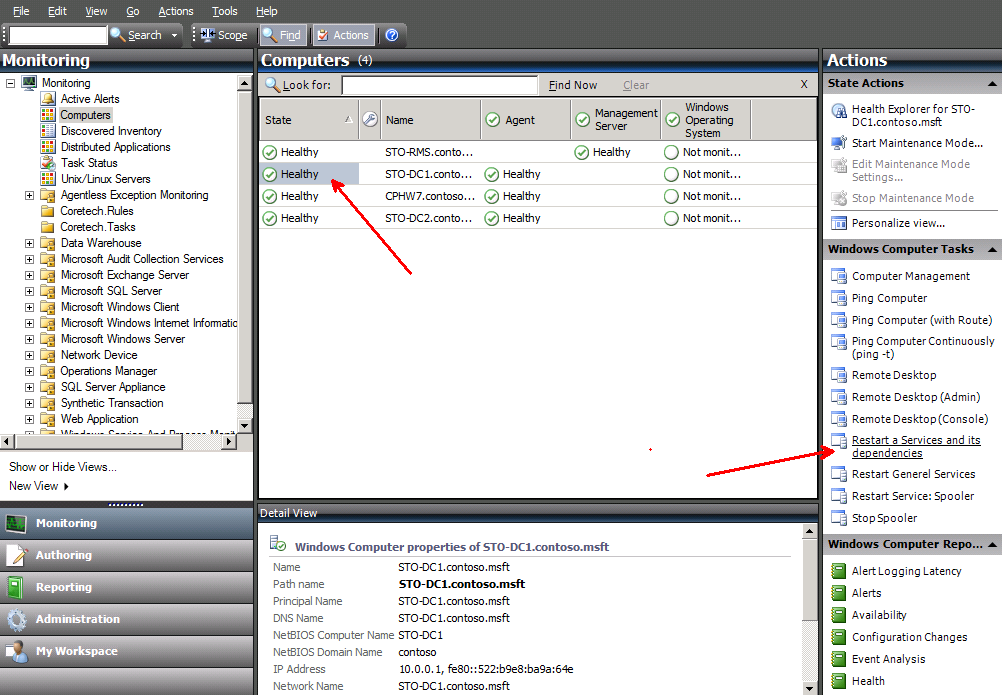
Choose a server and [Restart a Services and its dependencies]
When running te task you need to create a override for the service which should be restarted:
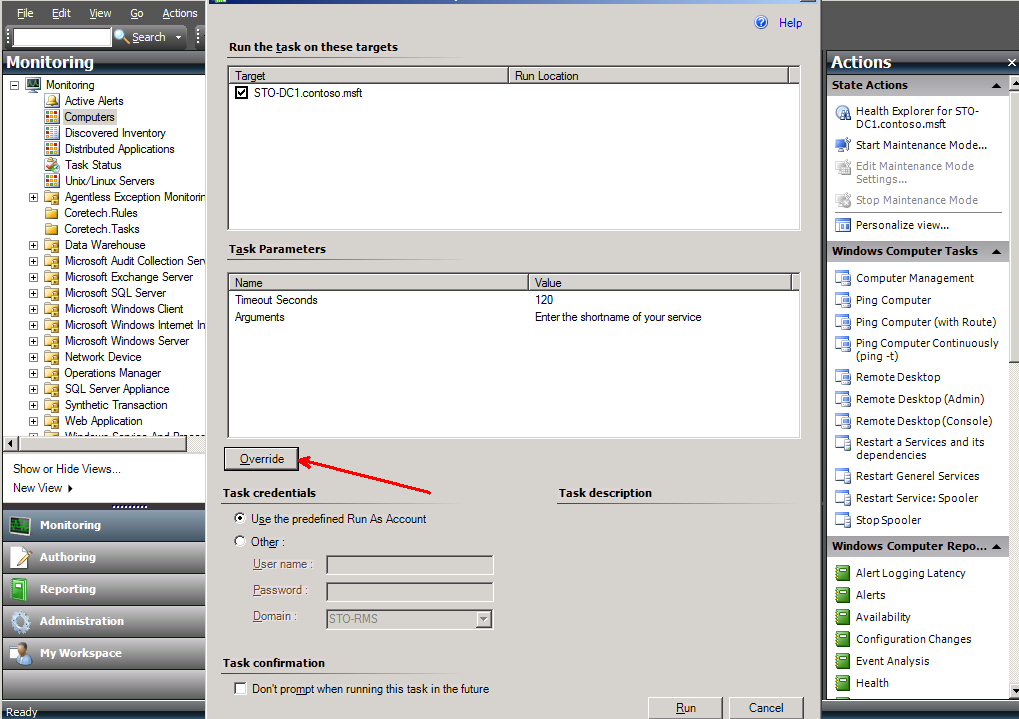
As a test we use the Workstation service – this service have other services which is depenent on it.

And Run IT
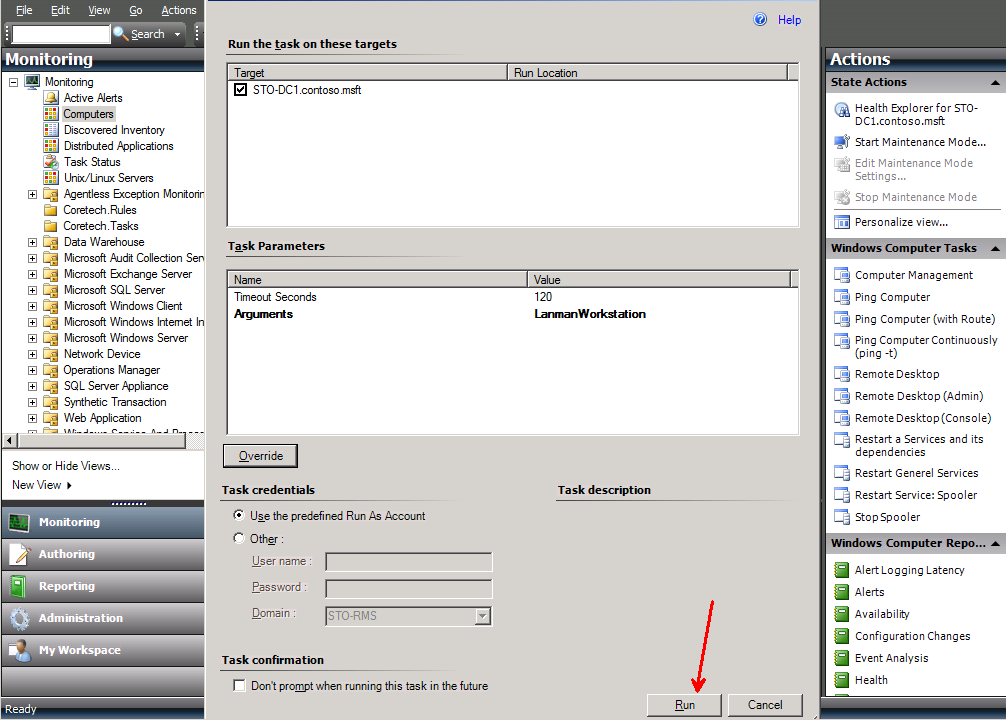
And the result – all services which is dependent on Workstation services and the Workstation Services itselft have been restarted.

And the Script to paste in your Task:
' //***************************************************************************
' // ***** Script Header *****
' //
' // File:      RestartServiceAndAntecedents.vbs
' // Author:    Coretech A/S. https://blog.ctglobalservices.com
' // Purpose:   Restarts a service and all its antecendents
' //
' // Usage: cscript.exe RestartServiceAndAntecedents.vbs "ServiceShortName"
' //
' // CORETECH A/S History:
' // 1.0.0    KRA 12/04/2011  Created initial version.
' // 1.0.1    JGS 12/04/2011  Added while loops and functions
' //
' // ***** End Header *****
' //***************************************************************************
'//----------------------------------------------------------------------------
'//
'//  Global constant and variable declarations
'//
'//----------------------------------------------------------------------------
strComputer = "."
strService = Wscript.Arguments(0)

Dim oServiceDic

'//----------------------------------------------------------------------------
'//  Main routines
'//----------------------------------------------------------------------------

'List of services to restart
Set oServiceDic = CreateObject("scripting.dictionary")

Set objWMIService = GetObject("winmgmts:" _
    & "{impersonationLevel=impersonate}!\\" & strComputer & "\root\cimv2")

Set colServiceList = objWMIService.ExecQuery("Associators of " _
    & "{Win32_Service.Name='" & strService & "'} Where " _
        & "AssocClass=Win32_DependentService " & "Role=Antecedent" )

For Each objService in colServiceList
    If objService.State = "Running" Then
        oServiceDic.Add objService.Name, objService.Name
        StopService objService.Name
    End If
Next

'Restart the Service (this causes all antecedent services to stop too, no need to do it manually)
RestartService strService

For Each key In oServiceDic.Keys
    StartService oServiceDic(key)
Next

'//----------------------------------------------------------------------------
'//  Procedures
'//----------------------------------------------------------------------------

Function RestartService(strService)
    StopService strService
    StartService strService
End Function

Function StopService(strService)
    Set colServiceList = objWMIService.ExecQuery _
            ("Select * from Win32_Service where Name='" & strService & "'")
    For Each objService in colServiceList
        objService.StopService()
    Next
    Do
        bLoop = False
        Set colServiceList = objWMIService.ExecQuery _
            ("Select * from Win32_Service where Name='" & strService & "'")
        For Each objService in colServiceList
            If Not objService.State = "Stopped" Then
             bLoop = True
            End If
        Next
        WScript.Sleep 1000
    Loop While bLoop
End Function

Function StartService(strService)
    Set colServiceList = objWMIService.ExecQuery _
            ("Select * from Win32_Service where Name='" & strService & "'")
    'Restart the service
    For Each objService in colServiceList
         objService.StartService()
    Next
    Do
        bLoop = False
        Set colServiceList = objWMIService.ExecQuery _
            ("Select * from Win32_Service where Name='" & strService & "'")
        For Each objService in colServiceList
            If Not objService.State = "Running" Then
             bLoop = True
            End If
        Next
        WScript.Sleep 1000
    Loop While bLoop
End Function

Hi Kåre,
Great Script! Is it possible to add output (view Task Status)? This way it would log what service(s) was restarted. Would there be any problems if I setup more than one of task? I’m thinking about hard-coding specific services to be restarted without having to do an override.
it show restart_service.vbs(34, 9) Microsoft VBScript compilation error: Expected ‘)’ when i try running the scrip
Great work Kåre, thx for the educatoin course last time 😉