Here is a quick example of creating a Status Filter Rule in Configuration Manager with PowerShell
#Example 1
New-CMStatusFilterRule -SiteCode PS1 -Name 'Remove PC from OSD Collection' -MessageId 11144 -MessageType Milestone `
-RunProgram $True -ProgramPath 'C:\Windows\System32\WindowsPowerShell\v1.0\powershell.exe -file D:\Scripts\Remove-CMDeviceFromCollection.ps1 -CollectionName "OSD Windows 8 Standard" -ComputerName %msgsys'

#Example 2
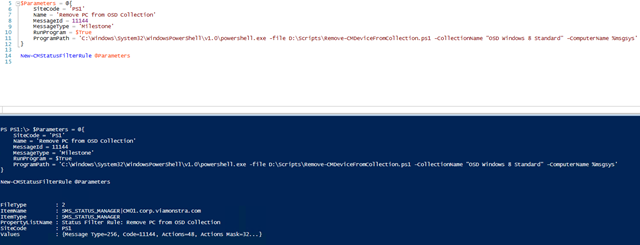
$Parameters = @{
    SiteCode = 'PS1'
    Name = 'Remove PC from OSD Collection'
    MessageId = 11144
    MessageType = 'Milestone'
    RunProgram = $True
    ProgramPath = 'C:\Windows\System32\WindowsPowerShell\v1.0\powershell.exe -file D:\Scripts\Remove-CMDeviceFromCollection.ps1 -CollectionName "OSD Windows 8 Standard" -ComputerName %msgsys'
}

New-CMStatusFilterRule @Parameters
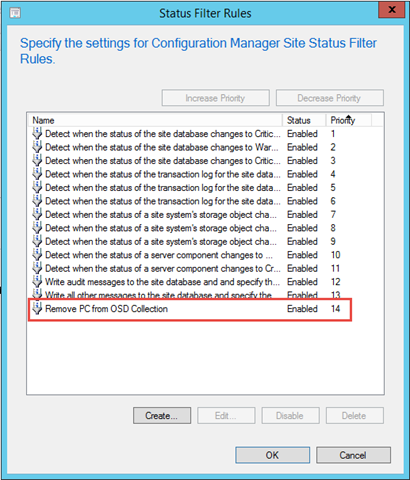
Execute the code
Happy Scripting